

Educational institutions today are handling more inquiries than ever before. Students reach out through websites, WhatsApp, calls, social media, and email, often across multiple touchpoints before making a decision. Managing this volume manually is difficult. Leads get missed, follow-ups are delayed, and communication becomes inconsistent. In many cases, institutions don’t even have a clear view of how many inquiries actually convert into admissions.
This is where a CRM for educational institutions becomes important. A well-implemented CRM helps centralize data, track every interaction, and streamline the admission process. It doesn’t solve everything instantly, but it brings structure, and that alone improves outcomes over time.
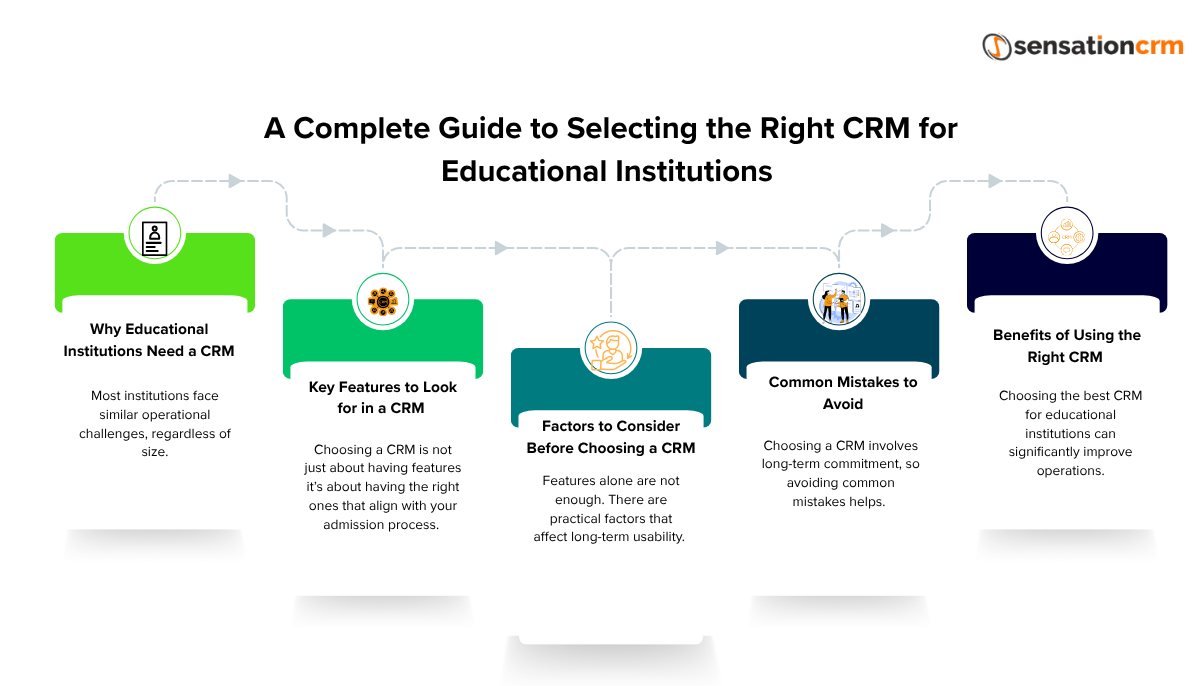
Why Educational Institutions Need a CRM
Most institutions face similar operational challenges, regardless of size.
Managing High Volumes of Inquiries
Admission teams often deal with hundreds or thousands of inquiries during peak seasons. Without a system, tracking each lead becomes inconsistent.
A CRM helps store and organize all leads in one place, making it easier to manage volume without losing visibility.
Streamlining Communication Across Teams
Admissions usually involve multiple people counselors, marketing teams, and administrators.
Without a shared system:
-
Communication gets fragmented
-
Leads are duplicated
-
Follow-ups overlap or get missed
A CRM for colleges or a CRM for private schools ensures everyone works on the same data, reducing confusion.
Improving Conversion Rates
Response time plays a big role in admissions. Studies across sales processes show that responding within the first 5–10 minutes can increase conversion chances significantly sometimes by 2–3x.
A CRM helps by:
-
Assigning leads instantly
-
Triggering reminders
-
Tracking follow-ups
This improves consistency, even if teams are handling large volumes.
Centralized Data Management
Instead of scattered spreadsheets or disconnected tools, a CRM provides a single source of truth.
This includes:
-
Student details
-
Communication history
-
Lead status
-
Source of inquiry
Having everything in one place makes reporting and decision-making more reliable.
Key Features to Look for in a CRM
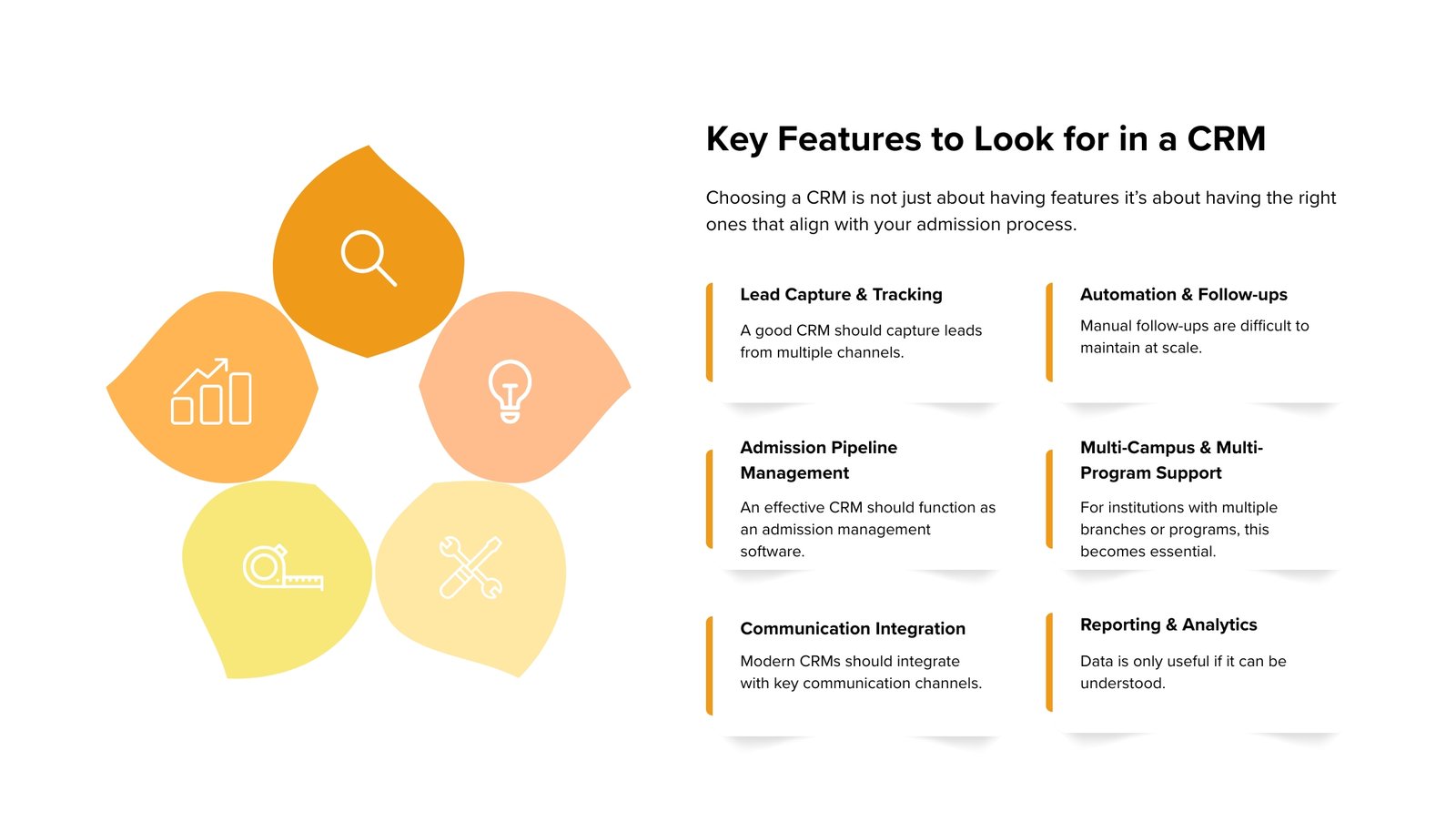
Choosing a CRM is not just about having features it’s about having the right ones that align with your admission process.
Lead Capture & Tracking
A good CRM should capture leads from multiple channels:
-
Website forms
-
WhatsApp
-
Calls
-
Email campaigns
All leads should be visible in a centralized dashboard.
With strong CRM lead management, institutions can:
-
Track lead sources
-
Assign leads quickly
-
Monitor status changes
Without proper tracking, even a high number of inquiries doesn’t translate into admissions.
Automation & Follow-ups
Manual follow-ups are difficult to maintain at scale.
Automation helps by:
-
Sending instant responses to new inquiries
-
Scheduling reminders for counselors
-
Triggering email or WhatsApp sequences
This reduces manual effort and ensures no lead is forgotten, though some level of manual oversight is still needed.
Admission Pipeline Management
An effective CRM should function as an admission management software.
This means tracking the student journey across stages such as:
-
Inquiry
-
Contacted
-
Interested
-
Applied
-
Enrolled
This pipeline view helps teams understand where leads are dropping off and where improvements are needed.
Multi-Campus & Multi-Program Support
For institutions with multiple branches or programs, this becomes essential.
The CRM should allow:
-
Managing multiple campuses in one system
-
Tracking leads by course or program
-
Assigning counselors based on specialization
Without this, scaling operations becomes complicated.
Communication Integration
Modern CRMs should integrate with key communication channels, including:
-
WhatsApp
-
Email systems
-
Telephony or call tracking tools
This ensures all interactions are recorded and accessible from one platform.
Switching between tools slows things down, and sometimes leads to missed context.
Reporting & Analytics
Data is only useful if it can be understood.
A CRM should provide:
-
Performance dashboards
-
Lead source analysis
-
Conversion tracking
-
Counselor performance metrics
For example:
-
Which channel brings the most leads?
-
Which counselor converts the most students?
Institutions using CRM analytics often report 10–20% improvement in process efficiency, though it depends on how actively the data is used.
Factors to Consider Before Choosing a CRM
Features alone are not enough. There are practical factors that affect long-term usability.
Ease of Use and Interface
If the CRM is difficult to use, adoption becomes a problem.
Teams may:
-
Avoid using it fully
-
Enter incomplete data
-
Revert to manual methods
A clean and simple interface improves usage, even if the system is not feature-heavy.
Customization Options
Every institution has slightly different workflows.
A CRM should allow:
-
Custom lead stages
-
Flexible workflows
-
Configurable fields
Too much rigidity can limit usefulness.
Scalability for Future Growth
Institutions grow more students, more programs, more campuses.
The CRM should be able to handle:
-
Increased data volume
-
Additional users
-
Expanded workflows
Switching systems later is possible, but not easy.
Integration Capabilities
The CRM should work well with existing tools such as:
-
Marketing platforms
-
Payment systems
-
Learning management systems
Lack of integration often creates extra manual work.
Customer Support and Training
Implementation doesn’t end after purchase.
Good CRM providers offer:
-
Onboarding support
-
Training sessions
-
Ongoing assistance
Without proper support, teams may not use the system effectively.
Common Mistakes to Avoid
Choosing a Education CRM App involves a long-term commitment, so avoiding common mistakes helps ensure better efficiency, scalability, and return on investment.
Choosing Based Only on Price
Lower-cost options may lack important features or scalability.
Initial savings can lead to higher costs later due to inefficiencies.
Ignoring Scalability
A system that works for 500 leads may not work for 5,000.
Planning ahead avoids the need for migration later.
Not Checking Integration Options
If the CRM cannot integrate with your existing tools, manual work increases.
This reduces overall efficiency.
Overlooking User Adoption and Training
Even a good CRM fails if the team doesn’t use it properly.
Training and ease of use matter more than expected.
Benefits of Using the Right CRM
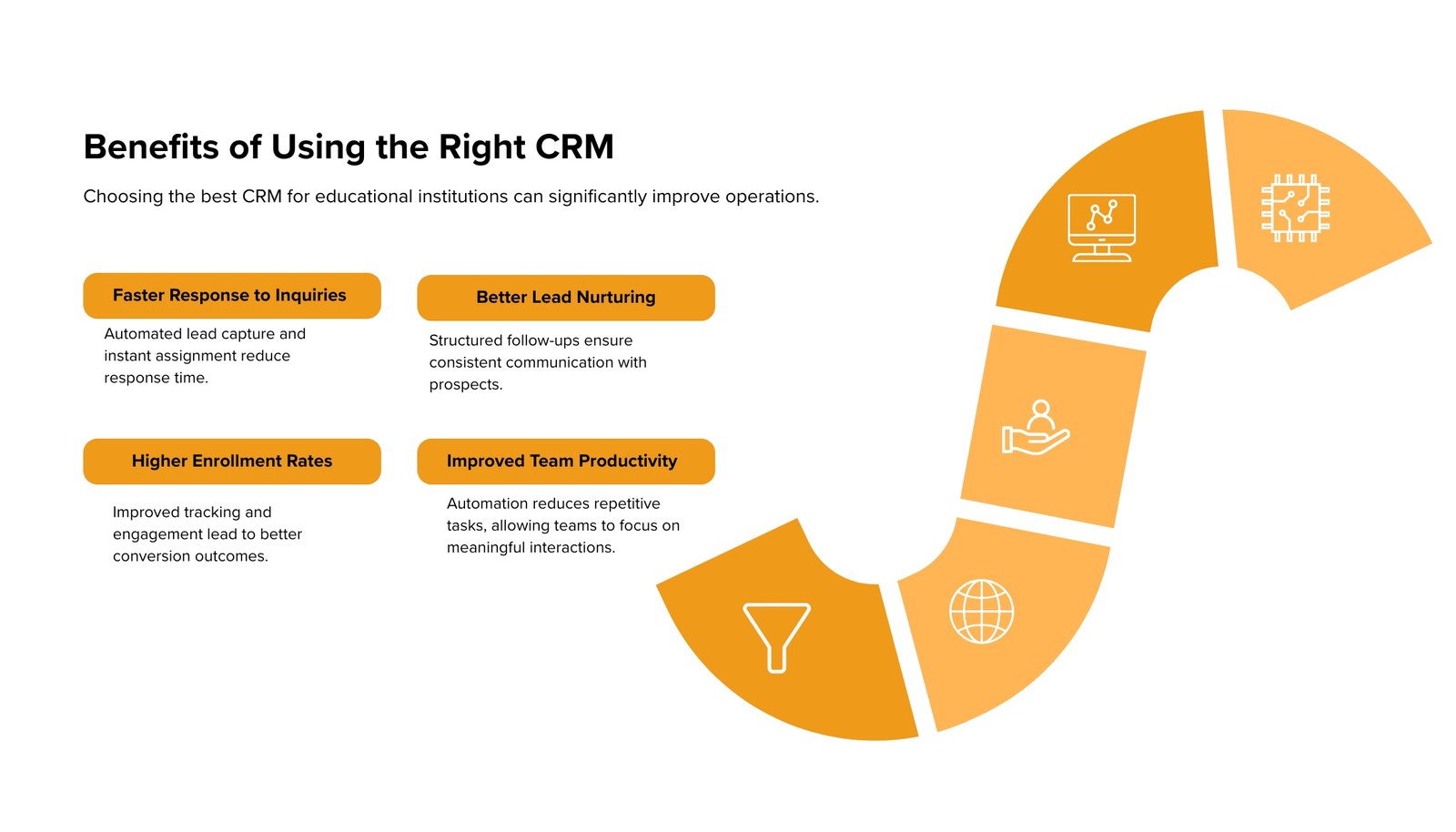
Choosing the best CRM for educational institutions can significantly improve operations.
Faster Response to Inquiries
Automated lead capture and instant assignment reduce response time.
Better Lead Nurturing
Structured follow-ups ensure consistent communication with prospects.
Higher Enrollment Rates
Improved tracking and engagement lead to better conversion outcomes.
Some institutions report 15–25% increase in enrollments after implementing CRM systems properly.
Improved Team Productivity
Automation reduces repetitive tasks, allowing teams to focus on meaningful interactions.
How CRM Improves Admission Process
A CRM brings structure to the entire admission workflow.
Organized Lead Funnel
Leads are categorized clearly, making it easier to track progress.
Automated Follow-ups
No need to rely on memory or manual tracking.
Better Counselor Performance Tracking
Managers can monitor:
-
Response times
-
Conversion rates
-
Engagement levels
Data-Driven Decisions
Instead of assumptions, decisions are based on actual data.
This improves planning and resource allocation over time.
Who Should Use a CRM
A CRM is useful across different types of educational institutions.
Colleges and Universities
Large volumes of inquiries and multiple departments make CRM essential.
Coaching Institutes
High competition and frequent intake cycles require efficient lead management.
Private Schools
Managing parent inquiries and follow-ups becomes easier with structured systems.
EdTech and Training Institutes
Digital-first operations benefit from automation and centralized data.
Final Checklist Before You Decide
Before selecting a CRM, it helps to evaluate a few key points:
-
Does it support your admission workflow?
-
Can it scale with your institution?
-
Does it offer strong CRM lead management?
-
Is it easy for your team to adopt?
If the answer to most of these is yes, the system is likely a good fit.
Choosing the right Education CRM
Choosing the right CRM for educational institutions like SensationCRM requires a balance between features, usability, and long-term scalability.
A well-chosen system helps:
-
Organize lead management
-
Improve communication
-
Increase conversion rates
-
Streamline the admission process
It may take some time to evaluate options properly, but the impact is usually worth it.
If you’re planning to improve your admission workflow, the next step would be to see how a CRM works in your context.
Book a demo or get in touch to explore how a structured CRM system can support your institution’s growth.
Frequently Asked Questions (FAQs)